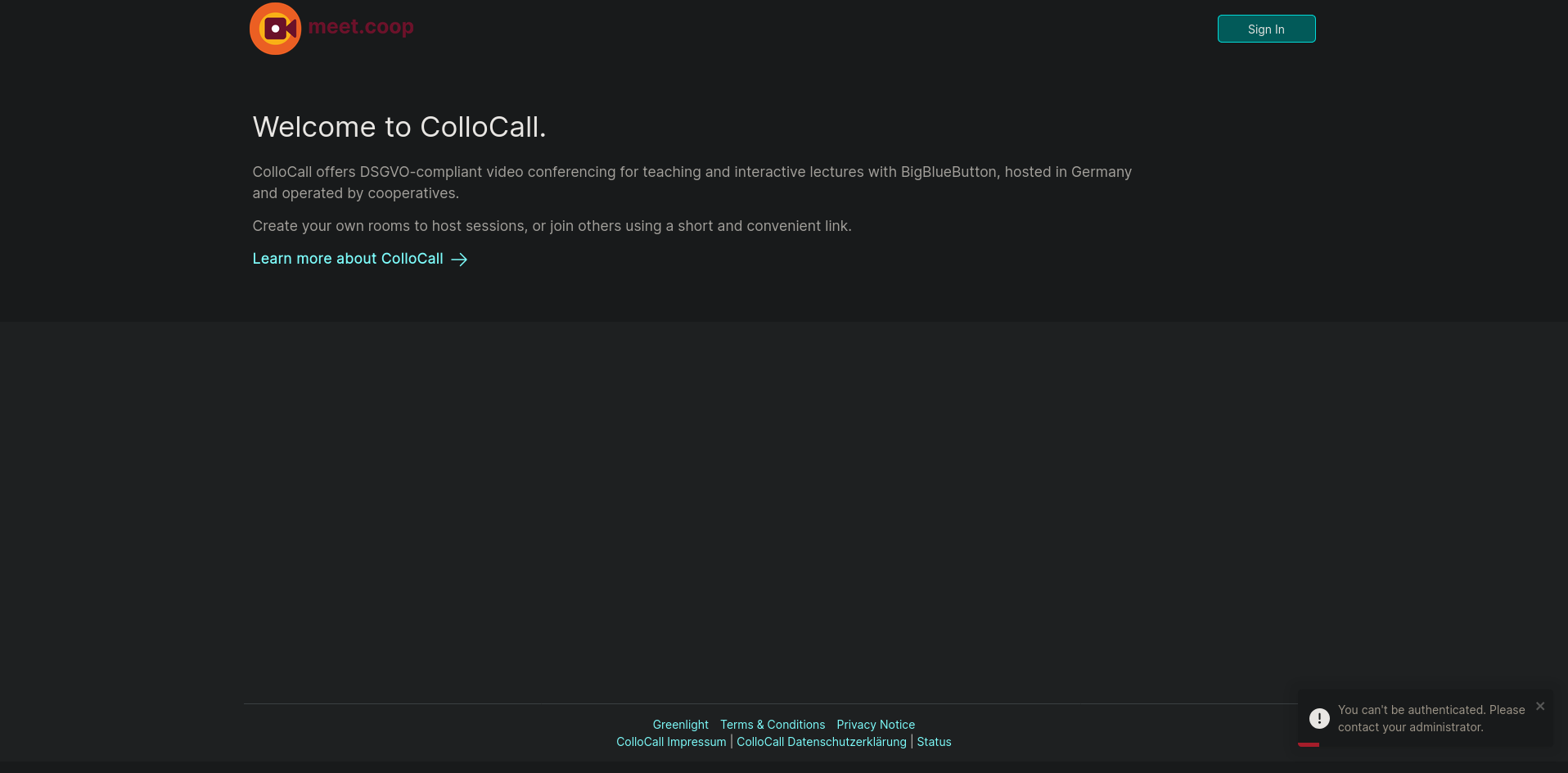
The meet.coop migration and password reset will happen on Monday 29th June 2026 from 9-15 UTC. There may be some brief interruptions to meet.coop service during this time.
Our Jitsi server will remain unaffected during the migration. If you have a critical call during the migration timeslot, we suggest using Jitsi Meet instead.
On Monday, you will receive an email with further instructions and a link to reset your password.
You can visit the password reset link at any time so there is no rush, but you won’t be able to login until you have successfully reset your password.
Once your password has been reset, you will be able to login to meet.coop services as usual.
If you are having trouble resetting your password after Monday, please email contact@meet.coop.
Enter your username and email and then you will receive an email from ca@meet.coop in your inbox with a link to rest your password. Once you have reset your email, you will be able to login to the meet.coop services as usual.
The only thing that didn’t go to plan was that it wasn’t possibly to copy across the secrets for the the Radical Routes and Social.coop federated logins. New secrets will need to be generated from their Cloudron and Keycloak respectively.
@kawaiipunk can you increased the length of time the reset code is valid? 5 minutes is no good for servers with greylisting etc. Also is there some kind of rate limiting – I have had one email get through after about 10 attempts to get one sent but the link had expired by the time I received it.
It hasn’t solved the fact that no email appears to have been sent to me after the initial one, is there rate limiting of the reset requests? Has anyone managed to reset their password using this method?
@kawaiipunk please could you please enable my account, we have the Webarchitects AGM tomorrow and have given everybody a meet.coop URL for this and would really rather not be forced to use Zoom as I’m locked out of meet.coop
@kawaiipunk if deleting my account and recreating it would fix the issue please do that. Currently my SSO account is set to use chris@webarchitects.coop, it was set to chris@webarchitects.co.uk until I tried changing it to see if that would fix the issue, a new account could use chris@webarchitects.co.uk, thanks.
The password reset has not worked for me.
There is a message that says it will send a reset to my email account but I don’t receive the email.
Now I am getting a “504 Gateway Time-out” error trying to access the login page.